One app. One machine. Total control.

Freelancer project management software — without the chaos

You didn't go freelance to wrestle with spreadsheets, forget billable hours, or explain scope creep for the third time. Makarios is a local-first desktop app that puts clients, projects, time tracking, and invoicing in one calm workspace — on your machine, under your control.

What is Makarios?

Makarios is local-first project management software for solo freelancers. It keeps clients, projects with scope and budget, tasks, time tracking, expenses, invoices and client status reports in one app for Windows (64-bit) and macOS (Apple silicon), with all your data stored on your own computer. It costs $49.99 once with no subscription, and you can try the full app free in your browser before you buy.

At a glance

With Makarios, freelancers flow

Make confident decisions through every client engagement, project milestone, and invoice — without juggling five different tools. One local-first workspace built for how solo freelancers actually work.

Dragging a task between columns on the Makarios Kanban board

Move tasks across your board as work progresses

The bottom line

No missed hours.
No scope creep.
One workspace.

Stop scope creep

Every project carries a written scope, deliverables, and a budget you set before you write a single line of code.

Capture every hour

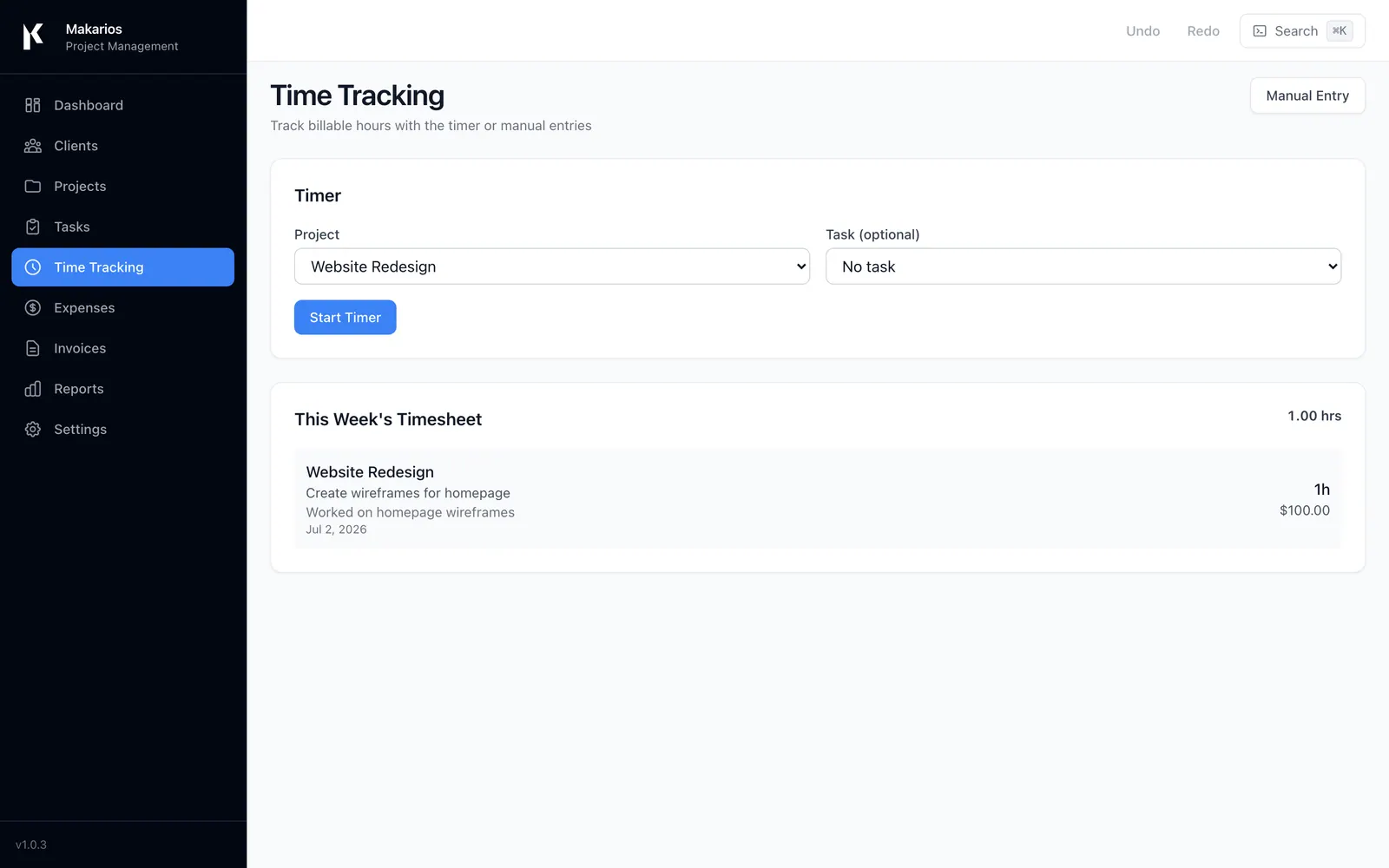
Built-in time tracking with a running timer — so every billable minute makes it onto your invoice.

Own your data

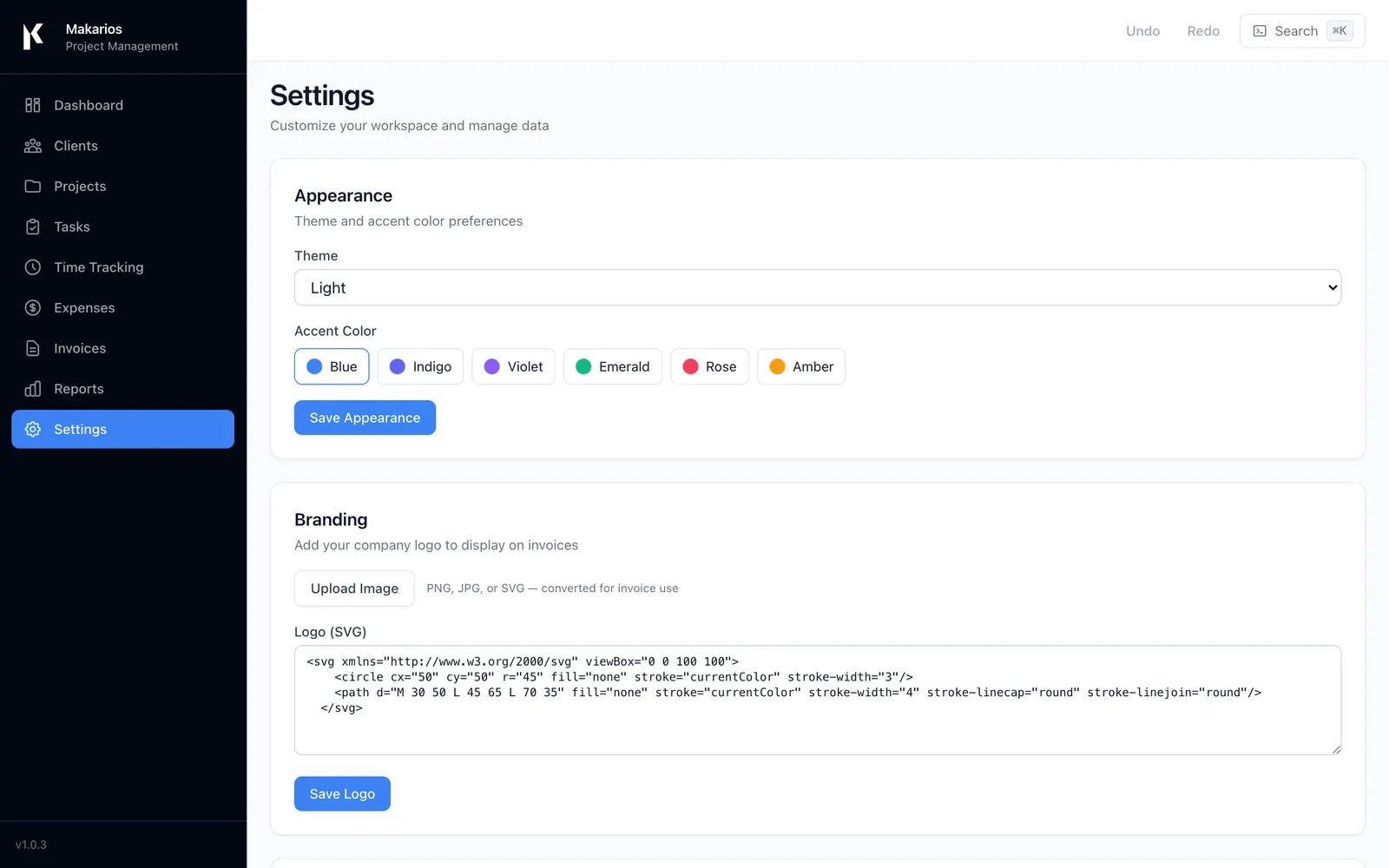
Everything stays on your machine. No cloud account, no subscriptions, no third-party access.

Invoice with confidence

Generate invoices directly from tracked time and expenses — no copying numbers into a separate billing tool.

One price, forever

Pay once and keep your workspace. No monthly subscriptions eating into freelance margins.

Sound familiar?

The problems freelancers actually face

The problem

Scope creep eats your margin

Clients add "just one more thing" and suddenly you're working for half your rate. Without clear scope from day one, every project becomes a negotiation.

The fix

Scope on every project

Write the deliverables, revision limits, and budget into the project before work begins. When scope is documented upfront, "just one more thing" becomes a clear conversation, not a silent pay cut.
The problem

Hours slip through the cracks

You finish a sprint of work, open your timesheet, and realize you forgot to log six hours. That's real money you can't invoice.

The fix

Built-in time tracking

Start a timer on any task the moment you begin. No separate app, no end-of-week guessing. Every billable minute is logged where the work already lives.

The problem

Team tools weren't built for you

Asana, Monday, and ClickUp charge monthly fees for features you'll never use. They're designed for managers, not the person doing the work.

The fix

One focused app

Kanban boards, project scopes, time tracking, and invoicing in a single tool, priced once and stored locally. Built for the person doing the work, not the manager watching the dashboard.

Keep work moving

Your workflow, optimized

Makarios keeps your projects moving through scope, delivery, and payment — without creating work for you.

01

Clients & scope

Add the client, then write the scope summary, deliverables, and budget into the project before work begins. Milestones with due dates define what “done” means, so everyone agrees upfront. When scope is documented from day one, awkward conversations become simple references, not surprises.

02

Tasks, time & budgets

Track tasks on a Kanban board, log hours with the built-in timer, and watch your budget in real time as work progresses. Drag cards across your board as work moves, and start a timer on any task the moment you begin. Budget alerts tell you when you’re approaching limits before a project goes sideways. Every billable minute stays tied to the work it belongs to.

03

Invoices & reports

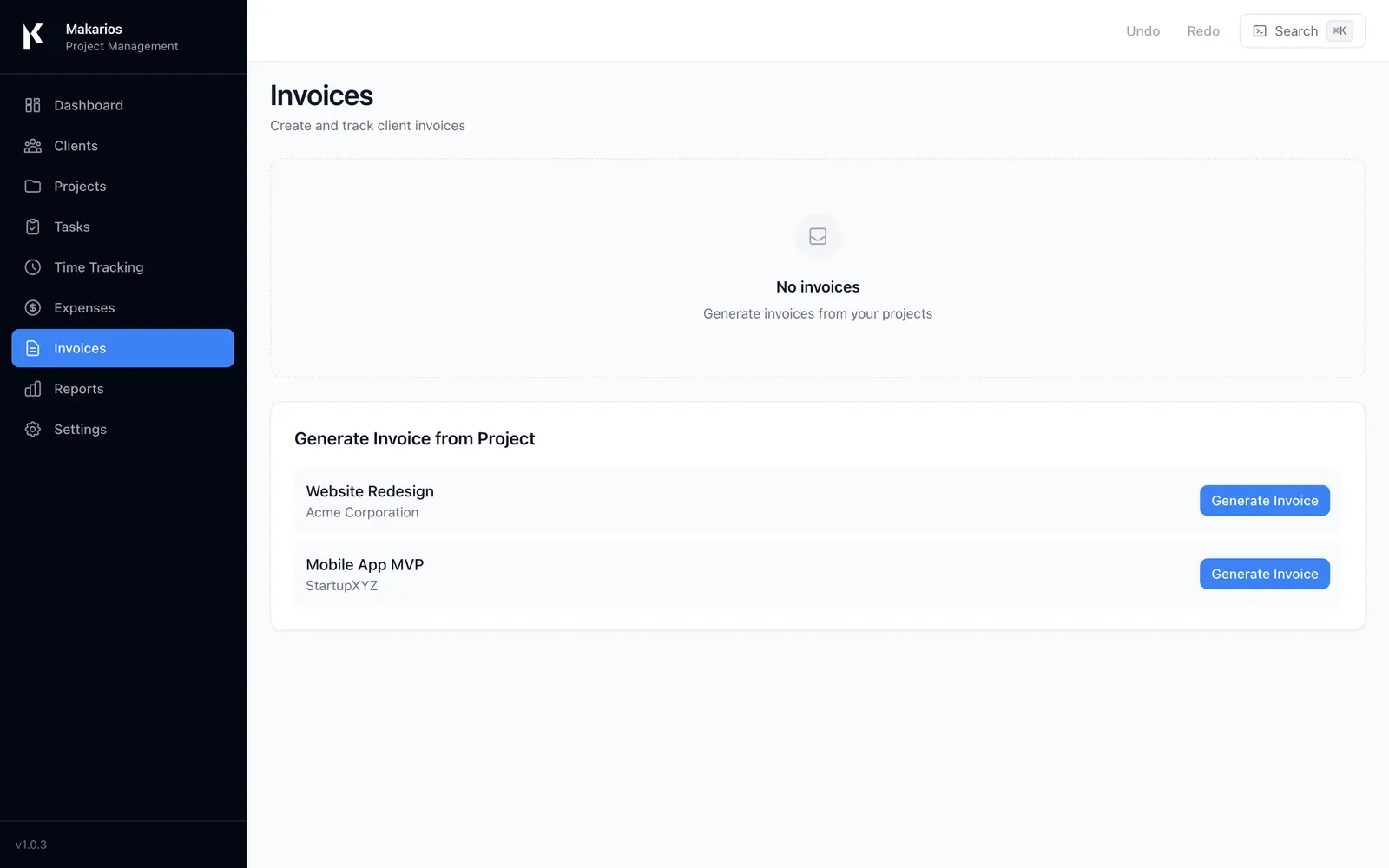
Generate professional invoices from time entries and share status reports clients actually understand. Line items pull directly from tracked hours—no copying numbers into a separate billing tool. Send clean progress updates that show momentum without the project-management jargon clients ignore. Get paid faster when invoices match the work clients already saw you do.

04

Local-first & private

All your data lives on your computer. No sign-up, no login, no server holding your client list. Your rates, invoices, and client details never pass through our servers. Open the app and work—no account to create, no permissions to grant a third party.

05

Export & offline access

Export your entire workspace as JSON anytime. Works fully offline — track time on a flight, update tasks with spotty Wi-Fi. Back up your full workspace whenever you want and store it wherever you trust. Nothing depends on the cloud, so your workflow keeps moving even when the connection doesn’t.

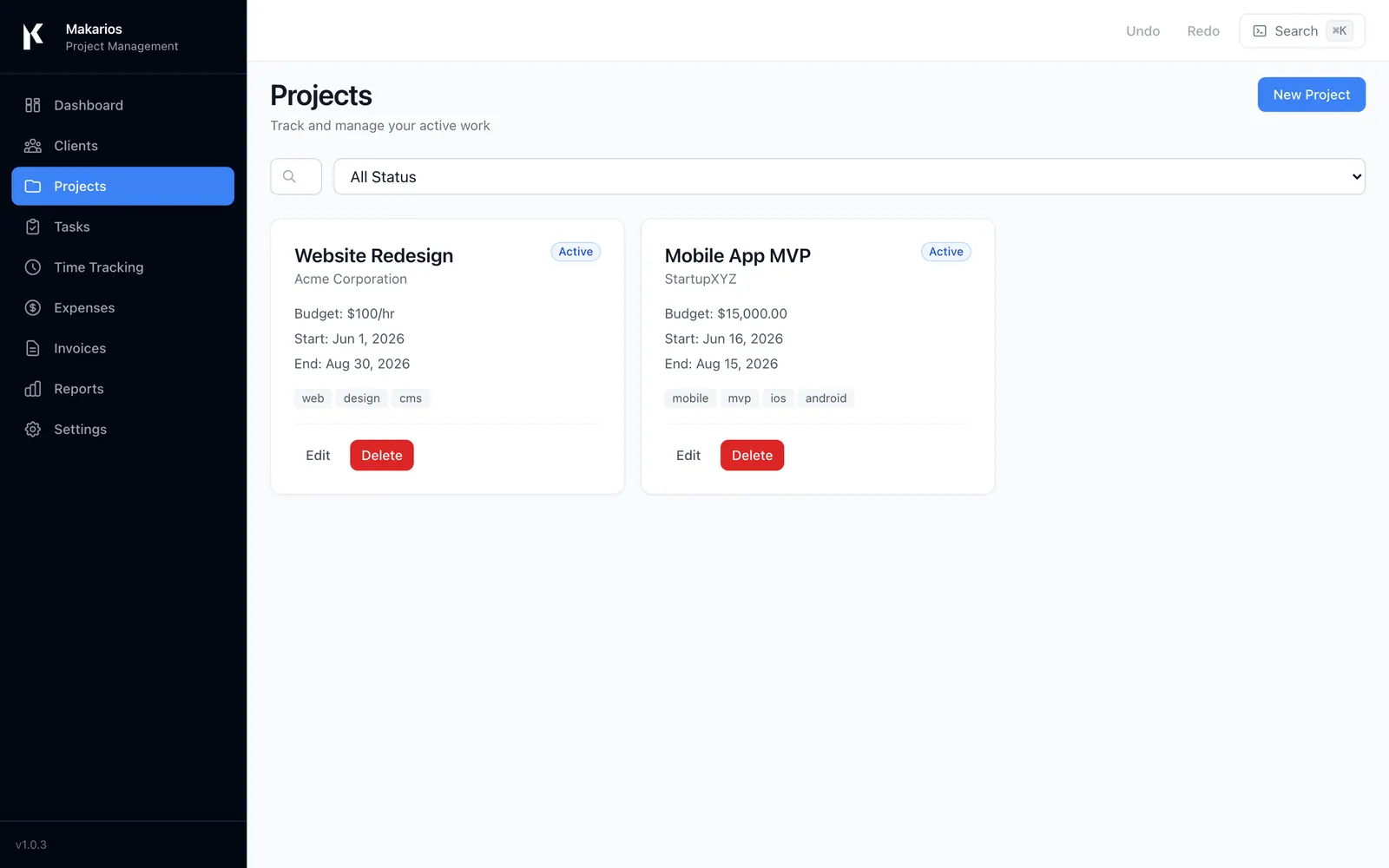
Makarios projects page with scope, budget, and client details Dragging tasks on the Makarios Kanban board Makarios invoices generated from tracked time entries Makarios settings with local data storage options Makarios time tracking page with running timer and weekly timesheet

01Set up clients, scope, and budget before work begins

Everything in one place

Real tools for real freelance work

Clients & Scope

Contacts, notes, and tags for every client. A scope summary, deliverables, and budget on every project.

Tasks & Deadlines

Kanban boards and list views with priorities and due dates.

Time Tracking

Start a timer, log hours, and generate invoices from tracked time.

Budgets & Expenses

Set project budgets, log expenses, and get alerts when approaching limits.

Invoices & Reports

Generate professional invoices and share status reports clients understand.

Status Reports

Client updates built from your tasks, milestones, time, and budget. Copy, print, or export as HTML.

Your data stays yours

Secure by design, not by promise

Your clients, rates, invoices, and financial data are sensitive. Makarios stores everything locally on your device — not on our servers, not in someone else's cloud.

  • Local-first storage

    All your data lives on your computer. It never leaves your machine unless you choose to export it.

  • No account required

    No sign-up, no login, no server holding your client list. Open the app and start working.

  • Full data export

    Export your entire workspace as JSON anytime. You own your data completely.

  • Works fully offline

    No internet connection needed. Makarios just works — on a flight or at a coffee shop.

  • No third-party access

    We don't sell, share, or monetize your business data. Your clients and finances stay private.

  • You control backups

    Export your full workspace as JSON anytime and store backups wherever you trust.

Available Now

One price. Yours forever.

$49.99

One-time payment. Lifetime access.
No subscriptions eating your margins.

  • All features included
  • Lifetime updates
  • Local-first, private data
  • Free email support
View Pricing Details

Common questions

Makarios is local-first project management, time tracking and invoicing software for solo freelancers. Clients, projects with scope and budget, Kanban tasks, a built-in timer, expenses, invoices and client status reports live in one app, and your data stays on your own computer.

One-person freelance businesses that want clients, time and invoices in one place without a monthly fee or a cloud account. It is not built for teams: there is no multi-user collaboration, client portal, online payments or contracts.

$49.99 USD, paid once. There is no subscription, all future updates are included, and every purchase has a 30-day money-back guarantee.

Yes. The full app runs free in your browser with no account and no time limit at makarios.digital/try. Your data stays in that browser. The desktop app adds durable local storage, fully offline use and a built-in Save as PDF dialog.

On your computer. Makarios has no cloud account and does not send your workspace to a server. You can export your whole workspace as JSON at any time and import it on another computer.

Windows (64-bit) and macOS on Apple silicon (M1 and later). There is no Intel Mac build yet, no Linux build and no mobile app. The Windows installer is not code-signed yet, so Windows SmartScreen may show a warning.

More questions about pricing · Get support

Let's work together

No chaos, no subscriptions — just clarity

One price, yours forever.
Get Makarios today and take control of your freelance workflow.